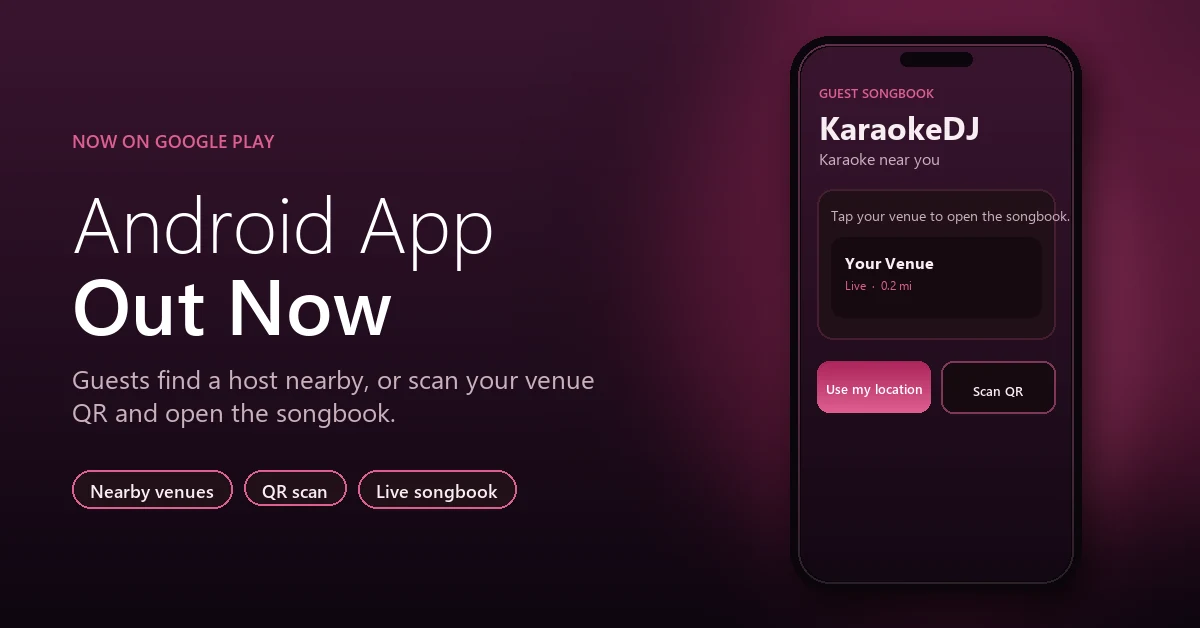
The KaraokeDJ guest app for Android is now on Google Play. Guests can find a host who is checked in nearby, or scan the same venue QR code you already use, and open your live songbook. The songbook in a phone browser still works. The app is another way in. The Apple app is coming soon.
What the app is for
This is a guest app. It does not replace the host Dashboard. After a guest connects to your venue, the app opens your songbook at your subdomain — the same catalog they would see in a mobile browser. They can search, browse, and send a request. Guest accounts, favorites, and history work the same way once they are signed in.
Verification and password-reset links from KaraokeDJ email can open in the app when it is installed, so guests stay in the app instead of dropping into a separate browser tab.
Two ways guests open your songbook
Use my location
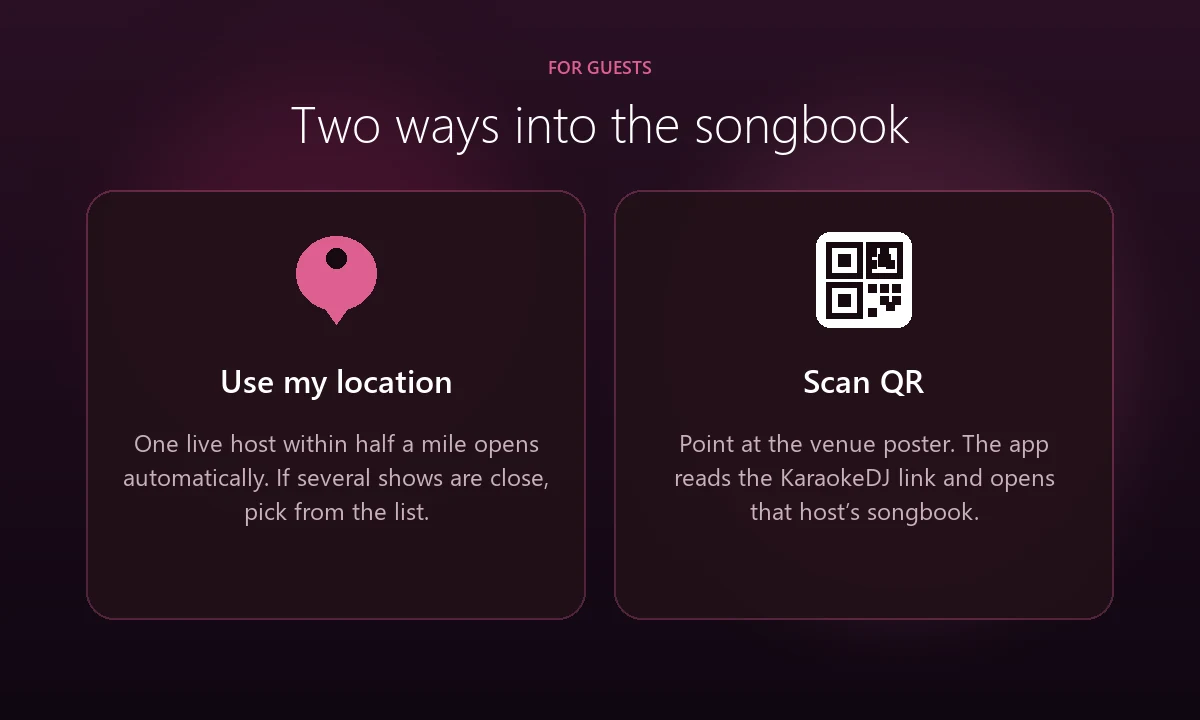
When the app opens, it asks for location and looks for hosts within about 15 miles who have a venue location saved. A host who is signed in on the Dashboard shows as live. If you are the only live host within about half a mile, the app opens your songbook on its own. If more than one show is that close, the guest gets a list with the venue name, distance, and your subdomain, and taps the right one. If nothing is in range, the app asks them to scan your QR code instead.
Scan QR
Scan QR reads a KaraokeDJ venue link — the code on your poster, table tent, or screen. The app opens that host’s songbook. A code that is not a KaraokeDJ venue link is turned away, and the guest can try again.
What hosts should do
- Allow location on the Dashboard at the venue.
Nearby search uses the coordinates saved after you sign in. How to enable location services in Google Chrome walks through Allow, Block, and how to reset a subdomain that was denied. - Stay signed in while you are hosting.
Guests only auto-open a songbook when that host is live — signed in — and is the only live show within about half a mile. - Keep your QR codes out.
Guests who do not install the app can still scan with the phone camera. Guests who do install it can scan inside the app. Both paths land on the same songbook.
The host login screen also includes an Android QR that points to the Play Store listing, if you want guests to install the app at the booth.
Get the app
Get KaraokeDJ on Google Play. The Apple App Store version is still on the way.
New to the platform? Sign up and your guests can use the app as soon as your songbook and venue location are in place. Questions about a show night? Contact us.